How to Build a RAG Chatbot: A Practical Step-by-Step Guide
Build a retrieval-augmented generation chatbot that cites approved sources, refuses unknown answers, and stays maintainable—without overbuilding.
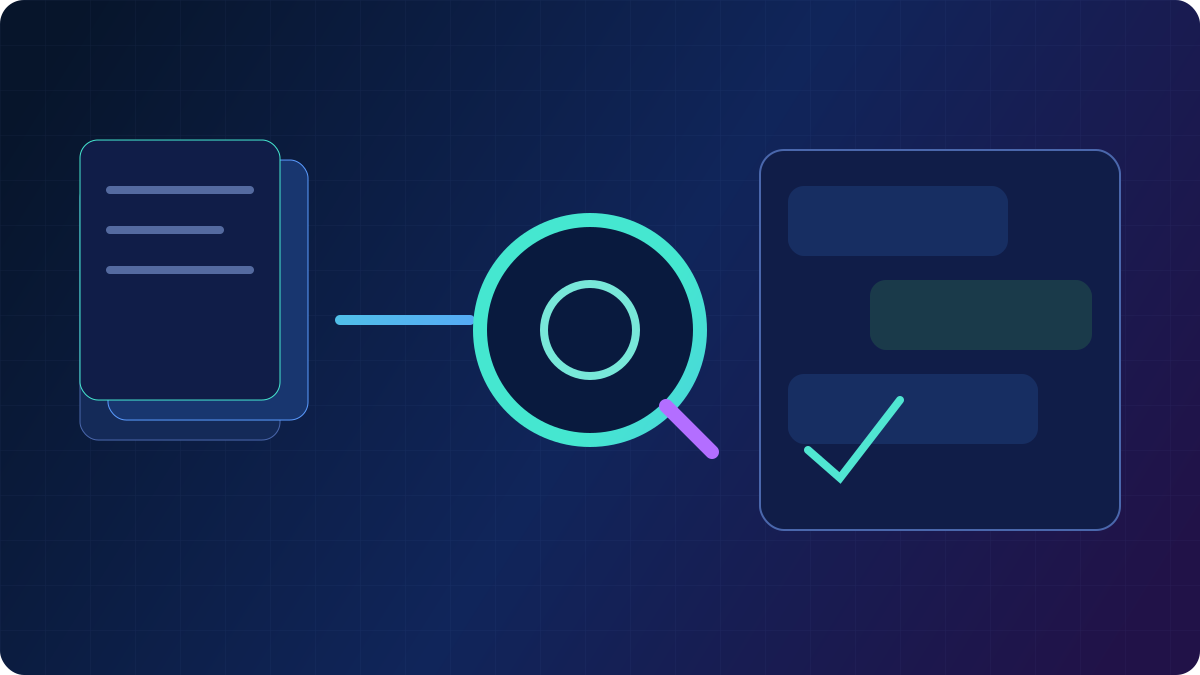
A RAG chatbot answers questions by retrieving passages from a knowledge base you control, then generating a reply grounded in those passages. That is how you get current, citeable answers without fine-tuning a model every time a policy page changes.
This guide walks through a production-minded build: scope, data, chunking, retrieval, generation, evaluation, and launch controls. It assumes you already understand the concept; if not, start with RAG explained or the interactive What is RAG? lesson. Also see agentic RAG, vector databases, prompting vs RAG vs fine-tuning, and infra tools.
What you are building (and not building)
| You want | RAG chatbot | You do not need yet |
|---|---|---|
| Answers from your docs | Yes | A multi-agent platform |
| Citations users can open | Yes | Fine-tuning |
| “I don’t know” when sources miss | Yes | Unbounded web browsing |
| Updates when docs change | Re-index | Retraining weights |
If the bot must take actions (refunds, tickets, deploys), you are building an agent with retrieval—not only a chatbot. Read what is agentic AI before you attach tools.
Step 1: Write the job and the refusal policy
Pick one audience and one corpus. Examples that work:
- internal employees asking about approved HR/IT policies;
- customers asking about documented product behavior;
- learners asking about a course’s assigned materials.
Write three rules in the product spec:
- Answer only from retrieved, authorized passages.
- If retrieval is weak, say so and ask a clarifying question.
- Never invent a policy, price, or medical/legal instruction.
Those rules become both the system prompt and your eval cases.
Step 2: Collect a corpus you are allowed to use
Quality beats volume. Prefer:
- current help center articles and release notes;
- policy documents with owners and review dates;
- FAQs that match real tickets.
Exclude drafts, expired PDFs, Slack lore, and anything with secrets. Store provenance: URL or doc id, title, last updated, product version, and access group.
If you cannot name an owner for a document, it should not be in the index.
Step 3: Chunk for questions, not for aesthetics
Split documents so a chunk can stand alone as evidence.
Practical starting point
- 300–800 tokens per chunk for narrative help articles;
- smaller chunks for tables and numbered procedures;
- overlap of 10–20% so sentences are not cut at boundaries;
- prepend title, section heading, and as-of date to each chunk.
Do not dump an entire 80-page PDF as one embedding. Do not slice so small that “Step 3” loses “Step 2.”
Keep a parent document pointer so the model can cite a human-readable page, not a vector id.
Step 4: Index with embeddings and metadata filters
Use an embedding model suited to your language and domain, then store vectors in a vector database such as Pinecone or a self-hosted option. Compare approaches in embedding models.
Attach metadata you will filter on: product, locale, audience (public vs internal), and version. Retrieval that cannot filter will leak an internal runbook into a public bot.
Re-embed when the source changes. A nightly job that only adds documents will serve stale policy forever.
Step 5: Retrieve, then rerank
A simple, strong pipeline:
- Query rewrite: turn follow-ups (“what about refunds?”) into a standalone question using chat history.
- Hybrid search: keyword + vectors, especially for SKUs, error codes, and names.
- Metadata filter: audience and product.
- Rerank the top candidates if you have a reranker; otherwise take a slightly larger k.
- Cap context: send the best 3–8 chunks, not 40.
Log the retrieved chunk ids. You cannot debug a wrong answer without knowing what the model saw.
Step 6: Generate with citations and a schema
The generator should receive:
- the user question;
- the retrieved passages, each labeled with a citation id;
- instructions to quote or paraphrase only from those passages;
- a required output shape: answer, citations[], confidence.
Ask for no-answer when no passage supports the claim. A short “I don’t have that in the approved docs” is a product feature.
For security, treat retrieved text as untrusted if any part of the corpus can be edited by outsiders. See prompt injection defense.
Step 7: Evaluate before you add a personality
Build a set of 30–100 real questions:
- 40% answered clearly in one article;
- 30% require two sections;
- 20% are not in the corpus (must refuse);
- 10% are adversarial or ambiguous.
Score retrieval (was the right doc in the top k?) separately from generation (did the answer stay faithful?). AI evals covers graders and holdouts.
Do not launch on “it felt good in Slack.”
A minimal architecture
User → API → auth/rate limit
          → query rewrite
          → retrieve + filter + rerank
          → LLM (grounded prompt)
          → schema validate
          → UI (answer + source links)
          → traces + eval sample
Frameworks such as LangChain or LlamaIndex can speed wiring. They do not replace a clean corpus or evals. Hosted builders like Dify are reasonable if you still export traces and own the documents.
Launch checklist
- Corpus owners and review dates exist.
- Access control matches document sensitivity.
- Citations open the real source.
- Unknown questions refuse.
- PII is minimized in logs.
- Index refresh is automated.
- A human escalation path exists.
- Cost and latency budgets are measured end to end.
Common failure modes
| Symptom | Likely cause | Fix |
|---|---|---|
| Fluent wrong policy | Weak retrieval or no refusal | Hybrid search, rerank, holdout evals |
| Right doc, wrong answer | Prompt allows extra knowledge | Tighten grounding; cite or silence |
| Misses exact error codes | Vectors only | Add keyword search |
| Stale answers | No re-index | Sync on publish |
| Leaked internal text | Missing metadata filters | Audience-aware indexes |
When not to use RAG
If the task is style, format, or a stable classification head, fine-tuning may be cheaper. If the facts change every hour and live in a database, query the database directly and let the model explain the result set. RAG is for unstructured knowledge you can retrieve as text.
FAQ
How much data do I need to build a RAG chatbot?
Enough to cover the questions you promise to answer, with owners and dates. A tight 50-article help center beats a messy dump of every Google Drive folder.
Do I need a vector database?
You need some retrieval index. A vector database helps at scale and with metadata filters. For a prototype, a small embedded store can be enough. See what is a vector database.
Can I just browse the web instead?
Web browsing is not the same as RAG over approved docs. It is useful for research tools and dangerous for policy bots. Compare Perplexity vs ChatGPT.
Should the chatbot be an agent?
Only if it must use tools or multiple retrieval strategies. Start with retrieve-then-read. Add agentic RAG when a single query fails on real evals.
Bottom line
Build a RAG chatbot as a retrieval product: curated corpus, hybrid search, grounded generation, citations, refusals, and evals. Skip the multi-agent theatre until those pieces work. Practice the pipeline in What is RAG?, then continue with RAG vs fine-tuning, vector DB tools, and AI implementation guides.