Top 5 Midjourney Alternatives for AI Image Generation (Free & Paid)
Need Midjourney alternatives? Compare DALL-E, Leonardo, Firefly, Stable Diffusion, and Canva for quality, price, and commercial use.
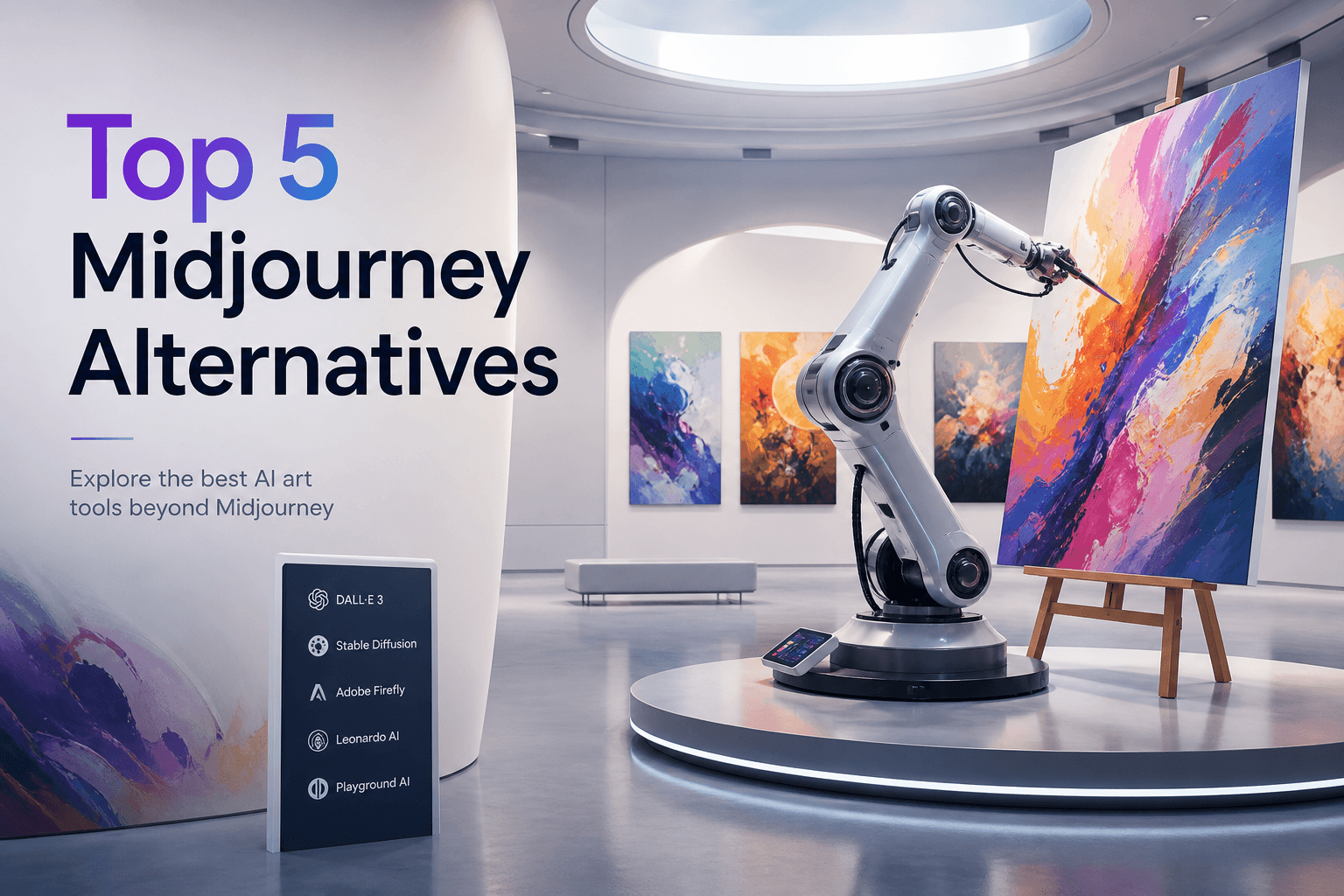
Midjourney still sets a high bar for aesthetic AI art—but it’s paid, Discord-centric for many workflows, and not always the right fit for teams, beginners, or commercial compliance needs.
If you’re searching for Midjourney alternatives, this guide compares five strong options across quality, ease of use, free access, and commercial safety. For a wider catalog, see image generators compare and AI tools.
Quick picks
| Alternative | Best for | Free option? | Commercial comfort |
|---|---|---|---|
| DALL·E (via ChatGPT) | Prompt accuracy + text-in-image | Limited via ChatGPT plans | Check OpenAI terms |
| Leonardo AI | Creators who want control | Daily free credits | Review plan terms |
| Adobe Firefly | Designers in Creative Cloud | Credits / plan-based | Strong licensed-training story |
| Stable Diffusion | Maximum control / local | Yes (local) | Depends on model + license |
| Canva Magic Media | Marketers needing speed | Partial | Fine for many marketing uses |
Why people leave Midjourney (or add a second tool)
Common reasons we hear:
- Prefer a web UI over Discord-heavy flows.
- Need a free or cheaper entry point.
- Want brand-safe / licensed training narratives for legal teams.
- Need tight prompt adherence (UI mockups, readable text, product shots).
- Want local / open generation for privacy or customization.
You don’t have to “replace” Midjourney. Many creators keep Midjourney for hero art and use another tool for drafts, comps, or commercial pipelines.
1. DALL·E (via ChatGPT)
DALL·E inside ChatGPT is the easiest onboarding path: describe what you want in plain English, iterate in chat, and refine without learning a separate prompt dialect.
Pros
- Excellent prompt adherence for layouts and objects.
- Stronger text rendering than many older generators.
- Natural iteration (“make the background darker,” “add a logo placeholder”).
Cons
- Aesthetic can feel less “cinematic” than Midjourney for some art styles.
- Access and limits depend on your ChatGPT plan.
Best for: Product concepts, blog headers, UI-ish illustrations, and non-designers.
Try this prompt pattern:
“Create a 16:9 blog hero, soft teal gradient, isometric laptop and chat bubbles, no text in the image, clean tech aesthetic.”
2. Leonardo AI
Leonardo offers a creator-friendly dashboard with models, fine controls, and a meaningful free credit allowance for experimentation.
Pros
- Web app built for image workflows.
- Model variety and community styles.
- Good runway for learning parameters without Discord.
Cons
- Feature density can overwhelm beginners.
- Free credits won’t cover a full-time production pipeline.
Best for: Concept artists, game/indie creators, and people who want more knobs than ChatGPT image chat.
Tip: Lock a seed/style once you like a look, then generate variations for a campaign set.
3. Adobe Firefly
Firefly matters when your bottleneck isn’t “pretty”—it’s “will legal approve this?” Adobe markets Firefly around licensed/safer training data and deep Creative Cloud integration (Photoshop Generative Fill, Illustrator, Express).
Pros
- Fits existing Adobe workflows.
- Attractive for brand and enterprise design teams.
- Practical for compositing and edit-in-place generation.
Cons
- Photoreal faces/scenes may lag Midjourney taste for some users.
- Generative credits and plan rules need monitoring.
Best for: Marketing teams, agencies, and anyone already paying for Adobe CC.
4. Stable Diffusion (SDXL and successors)
Stable Diffusion is the open ecosystem: run locally (if your GPU allows) or via hosts. You get maximum control—custom models, LoRAs, ControlNet-style guidance—and a different cost structure (hardware or hosting instead of pure subscription art).
Pros
- Free locally after hardware investment.
- Extreme customizability.
- Huge ecosystem of specialized models.
Cons
- Setup and curation take time.
- Quality varies wildly by model and settings.
- License compliance is your responsibility per model/weights.
Best for: Technical creators, privacy-sensitive teams, and high-volume pipelines.
Related reading: Local LLM vs cloud AI (same local-vs-cloud tradeoffs apply to image stacks).
5. Canva Magic Media
Canva won’t always win a pure art contest against Midjourney—but it wins the “I need a carousel by 4pm” contest.
Pros
- Generation sits inside the design canvas.
- Templates turn images into finished posts fast.
- Friendly for non-designers.
Cons
- Less control for fine art direction.
- Advanced magic features often sit behind Canva Pro.
Best for: Social marketers, educators, and founders doing their own creative.
Also see free AI image generators if budget is the main constraint.
How to choose in 5 minutes
- Need legal comfort in a big brand? Start with Firefly.
- Need easiest prompts? DALL·E via ChatGPT.
- Need free daily practice? Leonardo free credits or Canva free tier.
- Need total control? Stable Diffusion.
- Need finished marketing assets, not just images? Canva.
Quality checklist (use the same prompt everywhere)
When you evaluate alternatives, keep variables fixed:
- Same subject, style, aspect ratio, and negative constraints.
- Generate 4 images per tool.
- Score: prompt match, anatomy/hands, text readability, aesthetic taste, editability.
FAQ
Is there a free Midjourney alternative that looks identical?
No tool clones Midjourney’s taste perfectly. Free options can get close for many use cases—especially if you iterate and pick the best of a batch.
Can I use these images commercially?
It depends on the tool, plan, and model license. Always read the current terms—especially for client work and trademarks/likenesses.
Should I learn prompt engineering?
Yes—short structured prompts beat vague ones. See prompt engineering for ChatGPT (the same principles transfer to image models).
Next steps
Browse image generators, explore more in the tools directory, or pair images with AI website builders when you’re shipping a full site.