Best Free AI Image Generators in 2026 (No Watermark Options)
Looking for free AI image generators in 2026? Compare no-cost options, watermark realities, and which tools are best for blogs, social, and concepts.
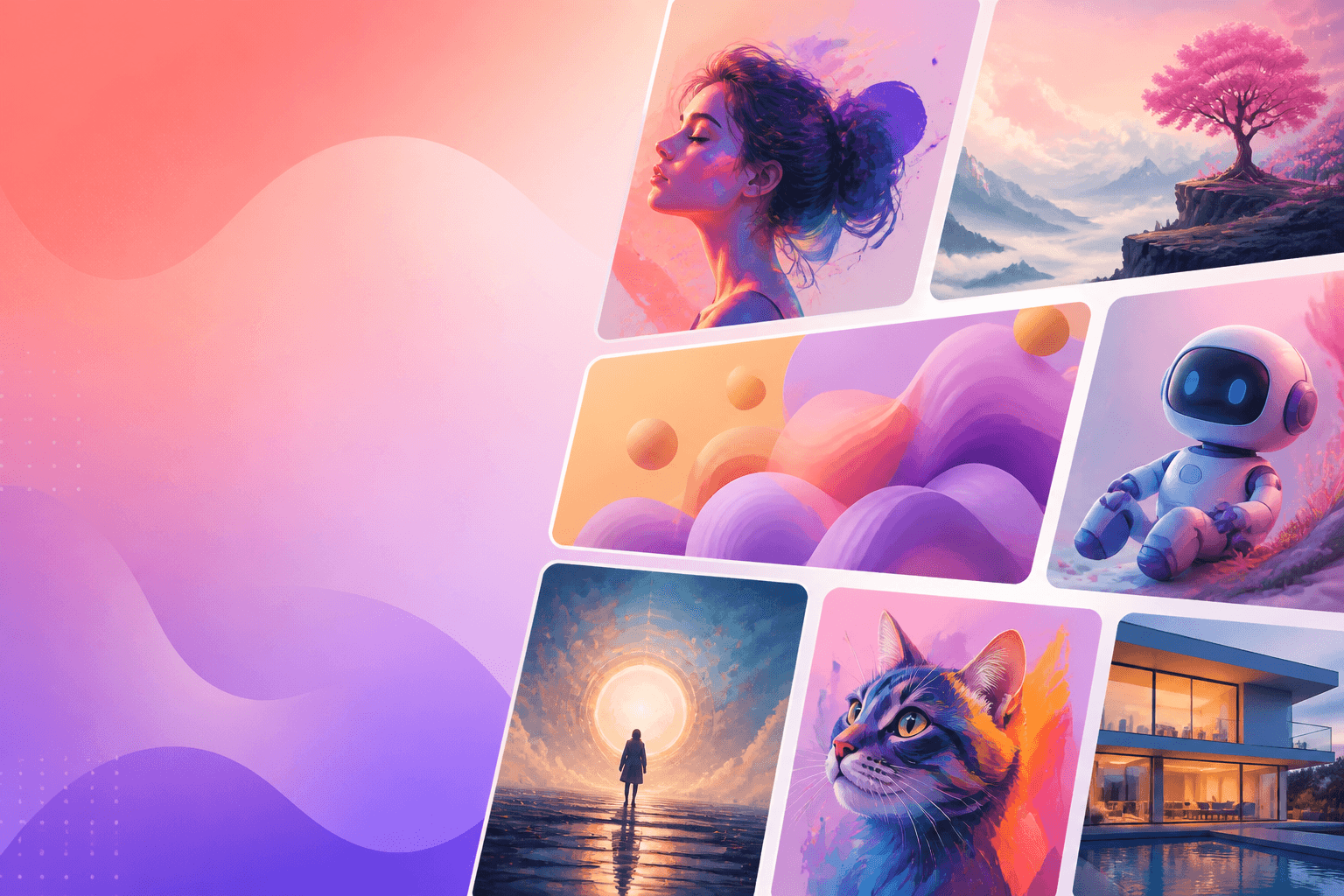
Searching for free AI image generators usually means you want decent visuals without a subscription—and ideally no watermark on exports you can actually publish.
This guide covers practical free and freemium options in 2026, what “free” really includes, and how to evaluate quality quickly. For paid comparisons, see Midjourney alternatives and image generators compare.
Free vs freemium: read the fine print
| Claim | What it often means |
|---|---|
| Free generations | Daily credit caps |
| No watermark | May apply only on paid plans |
| Commercial use | Allowed on some tiers, restricted on others |
| High resolution | Free exports may be smaller |
Always verify current terms before client work.
Top free-friendly options
1. Bing Image Creator / Microsoft ecosystem access
Often a strong free entry point for DALL·E-class generation with daily boosts. Great for blog headers and concept art when you accept usage limits.
2. Leonardo AI free credits
Leonardo’s free daily credits are enough to learn prompting and build a small asset pack. UI is creator-oriented with more controls than chat UIs.
3. Canva Magic Media (free tier features)
Best when the image must become a finished post immediately. Some magic features are Pro-gated—still excellent for students and solopreneurs.
4. Ideogram-style tools (when free credits available)
Often praised for text-in-image (posters, thumbnails). Check whether free exports include watermarks on your account type.
5. Stable Diffusion via free hosts or local installs
Local SD can be watermark-free and unlimited after hardware setup. Free web hosts vary—expect queues, stricter filters, or watermarks.
6. ChatGPT free image access (when offered)
Availability changes by region and plan experiments. When present, the chat iteration loop is beginner-friendly.
How to test generators in 15 minutes
Use one fixed prompt across tools:
“16:9 tech blog hero, soft teal gradient, isometric notebook and glowing node graph, clean modern style, no text, no logo, high detail”
Score each output 1–5 on:
- Prompt match
- Artifacts (hands, weird edges)
- Aesthetic taste
- Editability / upscaling path
- Export restrictions
Watermark strategy (stay honest)
- Prefer tools that clearly label free export rights.
- If a watermark exists, don’t crop it for commercial use—that’s usually a terms violation.
- Keep a swipe file of allowed free assets for social drafts; upgrade when you need brand polish.
Prompt tips that improve free-tier hit rate
- Specify aspect ratio and “no text.”
- Add style anchors (“isometric,” “flat vector,” “film still”).
- Request variations, then pick winners—free tiers reward batch taste.
- Negative constraints: “no watermark, no border, no collage.”
Recommended free stacks
- Bloggers: Bing/DALL·E-class + Canva for layout
- Students: Leonardo free credits + Canva
- Technical creators: Local Stable Diffusion
- Marketers testing ads: Canva first, paid image tool later
FAQ
Which free AI image generator has no watermark?
It depends on the tool and plan month-to-month. Local Stable Diffusion is the most reliable watermark-free path if you can run it. For hosted tools, check the export screen every time.
Can I use free AI images commercially?
Sometimes yes, sometimes no. Read the license for your account tier and the model you’re using.
Is Midjourney free?
Typically not for ongoing full access. Use the alternatives above, then compare with Midjourney alternatives.
Next steps
Generate four headers for your next article today. Then explore more creative tools in our tools directory or learn prompting fundamentals in prompt engineering.